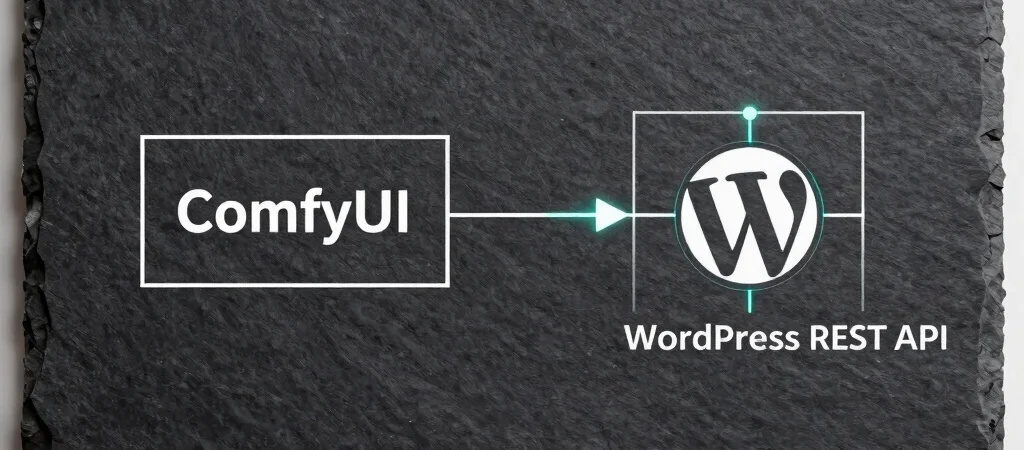
Generating UI components and dynamic hero assets using local diffusion models saves substantial cloud compute, but manually transferring output renders into your media library destroys developer velocity. By running ComfyUI in API mode alongside an orchestration script, you can execute generation workflows programmatically whenever content updates occur. This technical breakdown covers the node configuration, payload formatting, and REST API triggers required to build an automated asset pipeline.
Configuring the Local ComfyUI API Listener
ComfyUI exposes its complete internal graph through an undocumented REST endpoint on port 8188 when launched with the API flag. Rather than passing image files back and forth manually, export your working node graph as an API-formatted JSON payload. This payload acts as a structured template where prompt strings, seed values, and sampler parameters can be mutated programmatically before dispatching an execution request.
Handling Image Buffers and Payload Delivery
Once execution completes, the local listener retrieves the resulting image buffer directly from memory rather than writing unnecessary files to disk. Convert the binary stream into a WebP container with controlled quality loss to optimize bandwidth before dispatching the HTTP POST request to your headless WordPress instance. Attaching custom header authorization ensures that unauthorized requests are dropped before touching the database.
Injecting Media Metadata into Custom Endpoints
The final stage requires attaching the rendered media object to its corresponding post or page schema. Send a JSON payload containing the image ID, generation parameters, alt text, and focal coordinates to your custom REST controller. This keeps your front-end framework completely decoupled while ensuring media references resolve cleanly across staging and production environments.